
How to Troubleshoot Common Hosting Issues
Troubleshoot common hosting issues with ease. Follow these simple tips to fix downtime, slow speeds, and server errors effectively.
Ready Server Team
Content Team
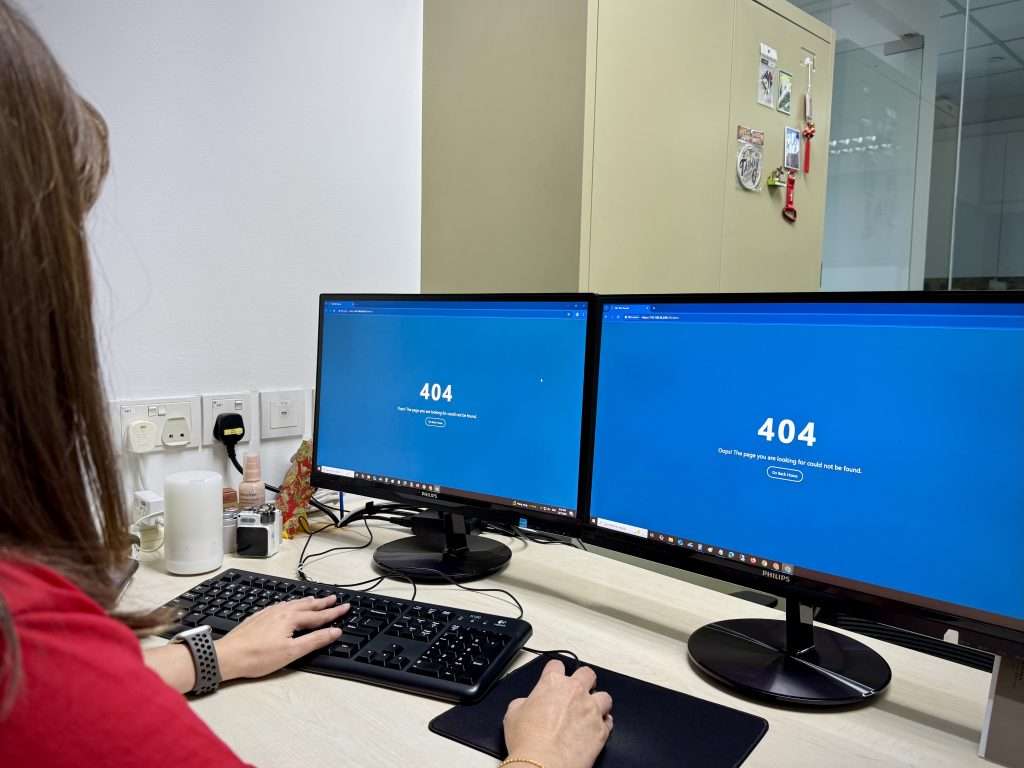
Ever tried visiting your website only to be greeted with an error page, a painfully slow load time, or worse—nothing at all? Hosting issues are like the flu—annoying, disruptive, and always striking when you least expect them. But don’t worry, most problems have simple fixes once you know where to look. In this guide, we'll break down common hosting headaches and how to troubleshoot them without losing your mind.
Website Loading Slowly
Identify the Problem
The first step? Know exactly what’s going wrong. Use tools like GTmetrix, Google PageSpeed Insights, or Pingdom to analyse your site's speed and pinpoint bottlenecks.
Common Causes
Solutions
Start with the basics: compress your images using tools like TinyPNG, remove unnecessary plugins, and enable caching. If your site is growing fast, consider upgrading to VPS hosting or cloud hosting for better performance.
Website Downtime
What Is Downtime?
Downtime happens when your site is completely inaccessible. This can damage your reputation and SEO rankings.
How to Detect It
If you’re using uptime monitoring tools, set up alerts so you’re notified immediately when downtime occurs. You might not always catch downtime unless you use tools like UptimeRobot, StatusCake, or Pingdom Monitoring.
Fixes
Email Not Working
Typical Symptoms
Causes
Fixes
Double-check your DNS and MX records in your domain DNS settings. Also check SPF, DKIM, and DMARC if using custom email setups.
Server Error Messages
500 Internal Server Error
This usually means your server ran into an unexpected issue.
Fix: Check the .htaccess file, disable faulty plugins, or increase your PHP memory limit.
403 Forbidden
You don’t have permission to access the resource.
Fix: Check file and directory permissions (755 for directories, 644 for files), and verify .htaccess rules.
404 Not Found
The page can’t be found.
Fix: Check the URL, restore deleted files, or rebuild permalinks in CMS like WordPress. Also ensure the content/page hasn’t been removed or renamed, especially if using CMS rewrites
Security Issues and Hacks
Signs of a Hacked Site
What To Do
Database Connection Errors
Common Error Message
“Error establishing a database connection” is one of the scariest phrases a website owner can see.
Causes
Fixes
Verify credentials in your config file, repair your database using phpMyAdmin, or restart your database server (on VPS or dedicated hosting).
cPanel or Hosting Dashboard Not Loading
Possible Reasons
How to Resolve
Clear your browser cache or try incognito mode. If that doesn’t help, contact your host to unblock your IP address or whitelist it.
DNS and Domain Issues
What Is DNS Propagation?
When DNS records change, it can take time (up to 48 hours) for updates to spread globally.
Common DNS Errors
Fixes
Ensure your DNS records (A, CNAME, MX) are properly configured. You can use DNS checkers like MXToolbox or WhatsMyDNS.net to verify.
When to Contact Support
Some problems are beyond DIY solutions. If your website is still down after trying everything, don’t hesitate to reach out to your hosting provider. Be sure to include:
This helps the support team diagnose and fix the issue faster.
Preventing Future Issues
Wouldn’t it be better to stop problems before they start? Here’s how:
Conclusion
Hosting issues can feel overwhelming, especially if you're not a tech expert. But with the right approach and a bit of patience, most problems can be solved quickly. Whether it’s a slow-loading page or a complete outage, this guide gives you the tools to get back online with confidence. So next time your site acts up, take a breath—and tackle it like a pro.